Rule one
Swipe up is your side scoring
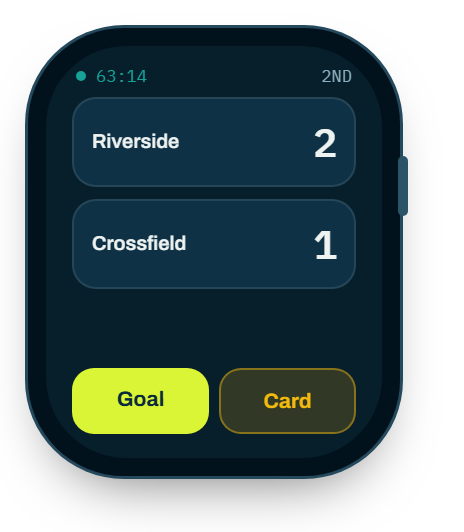
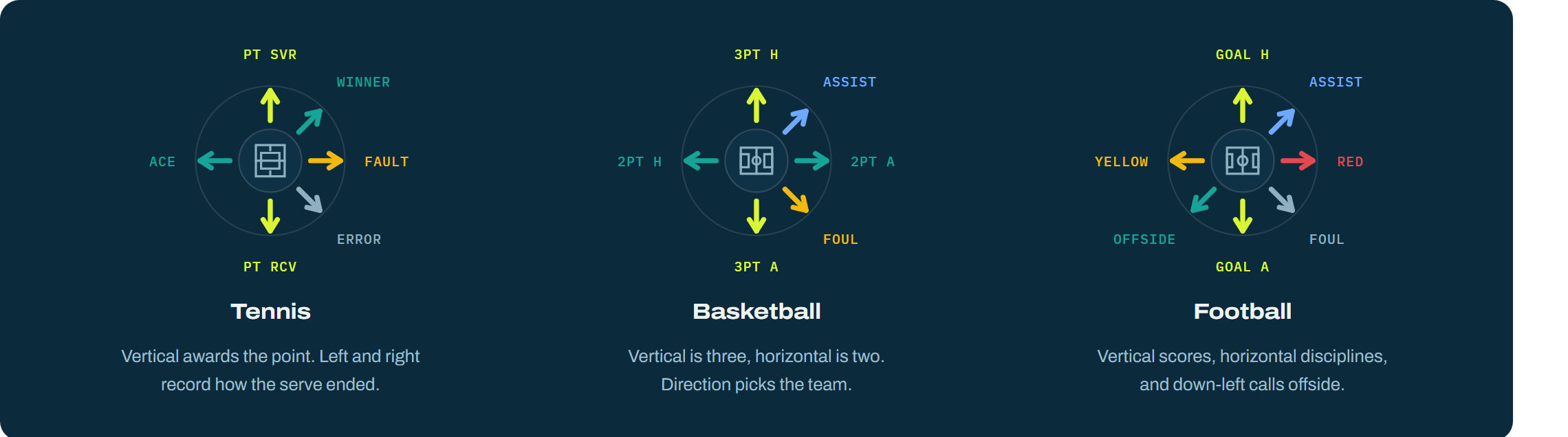
Up is always the home or serving side putting points on the board. Down is always the opponent. Whatever the sport calls it — a goal, a try, a touchdown, a birdie — up and down are the score.
User guide
Set up on the phone, then run the whole fixture from your wrist. Ten directions, fourteen sports, and the same two rules underneath all of them.
Start here
Every sport below rebinds the directions to its own vocabulary. These two hold everywhere, so learn them once and you are never stuck.
Rule one
Up is always the home or serving side putting points on the board. Down is always the opponent. Whatever the sport calls it — a goal, a try, a touchdown, a birdie — up and down are the score.
Rule two
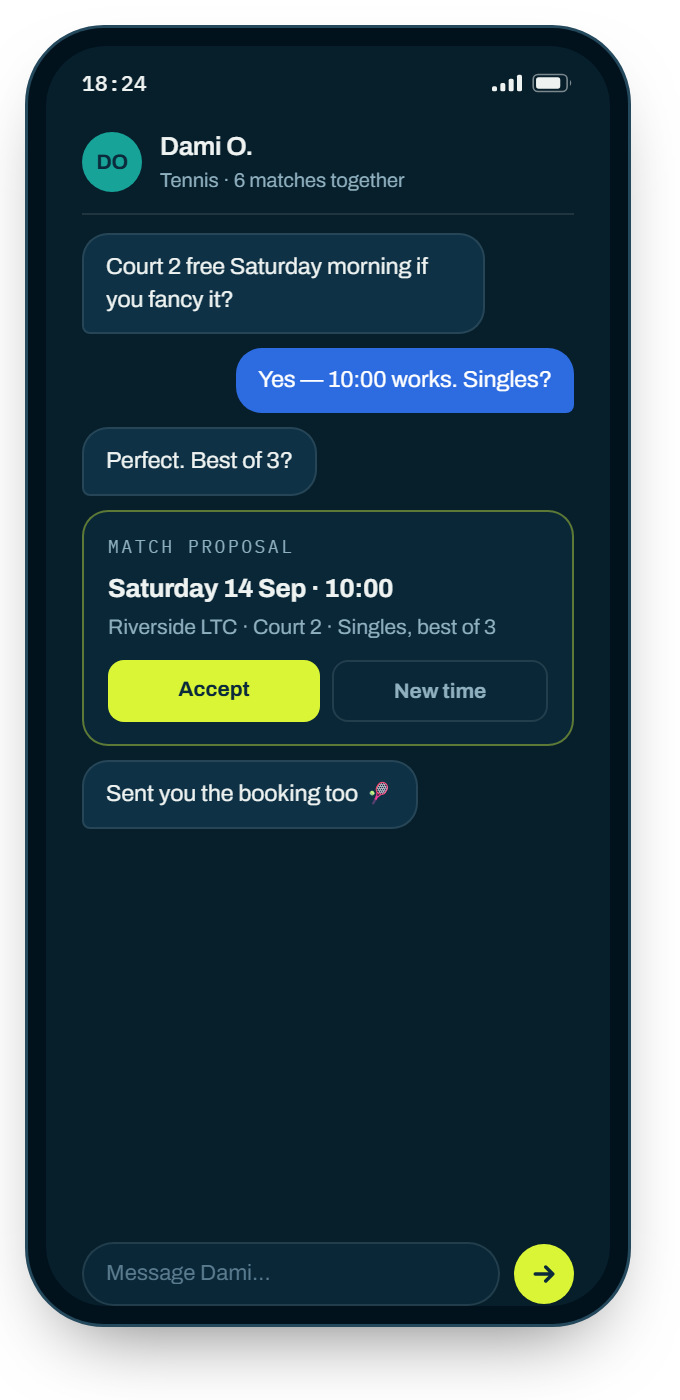
In all fourteen sports, on every page. Hold for just over half a second and the last thing you recorded comes back off. This is your safety net — it is the same gesture whether you are refereeing a cup final or counting reps in a gym.
The mechanics
The thresholds are deliberately generous, because a wrist is never still during play. These are the actual numbers the app uses.
Setting up · on the phone
Starting a match
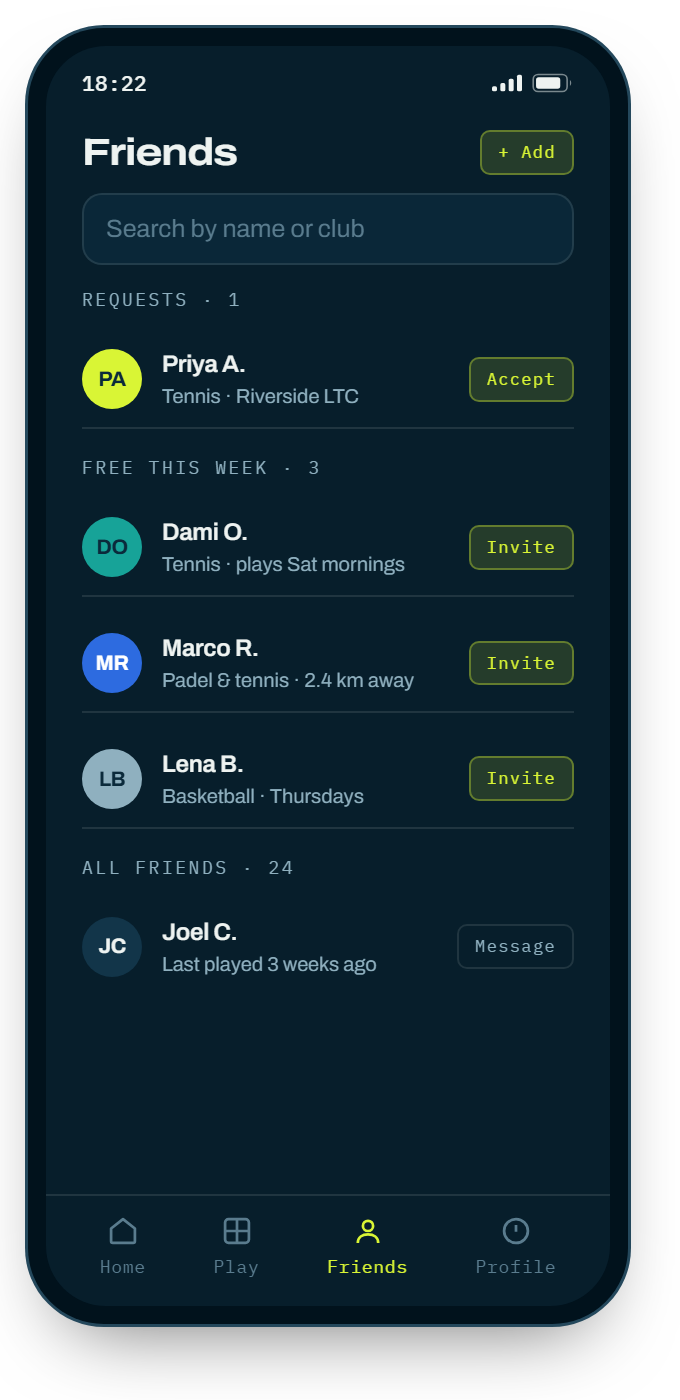
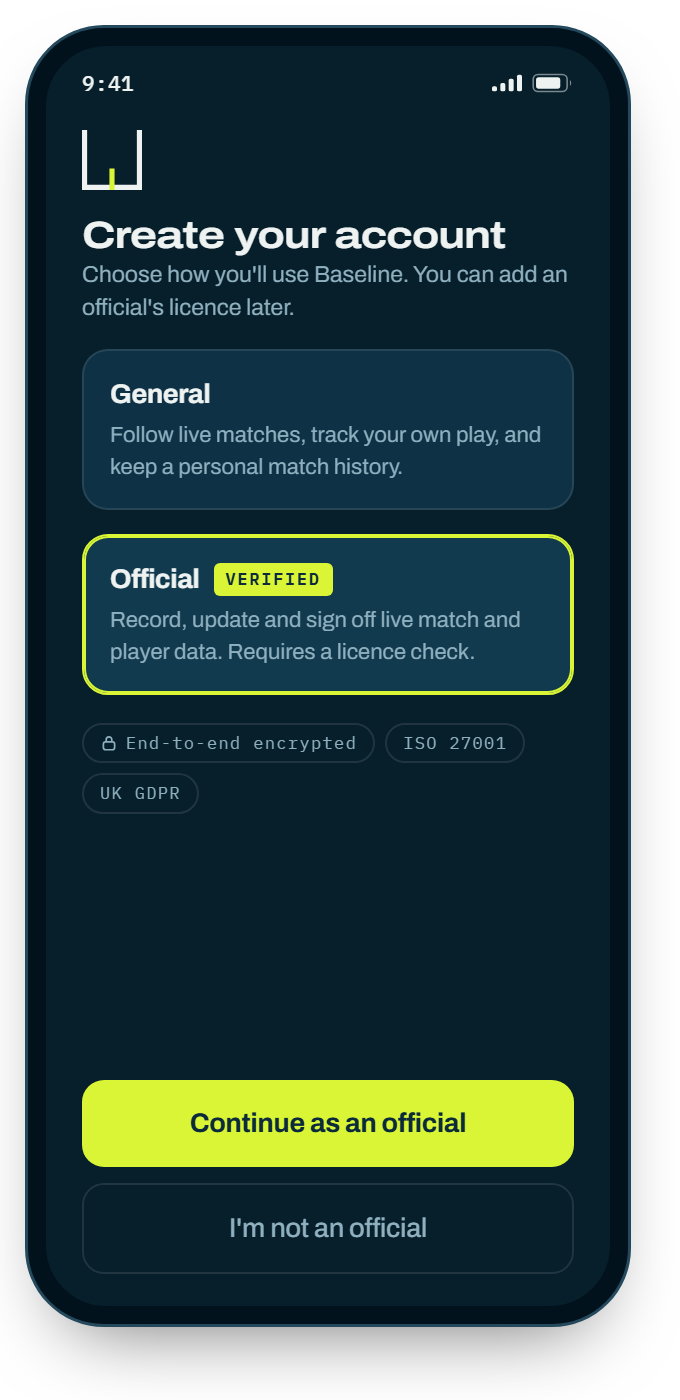
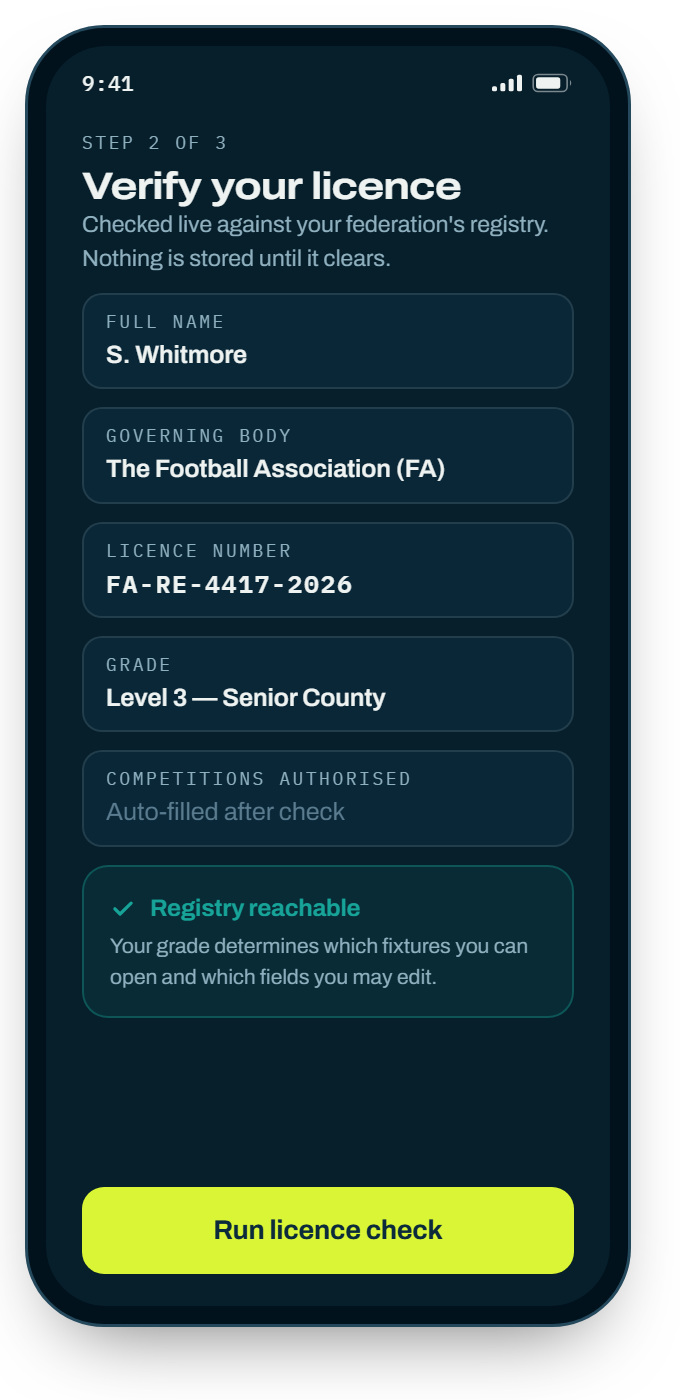
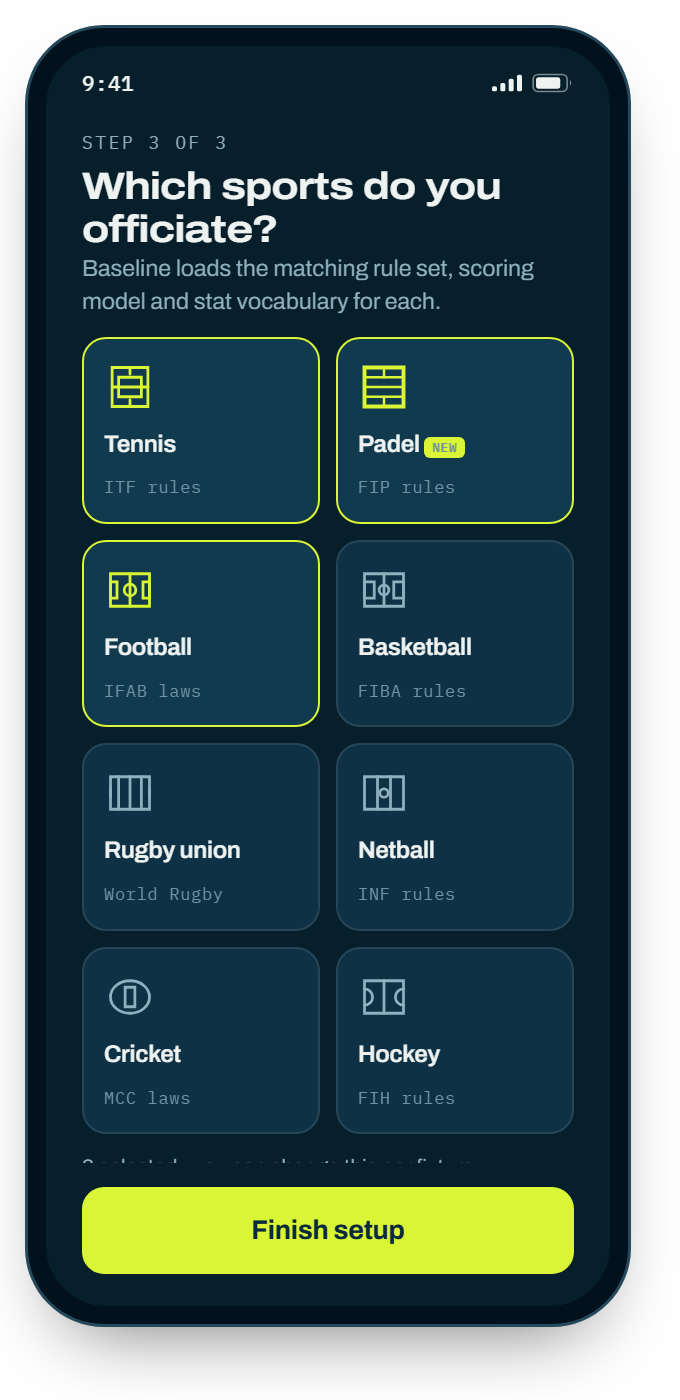
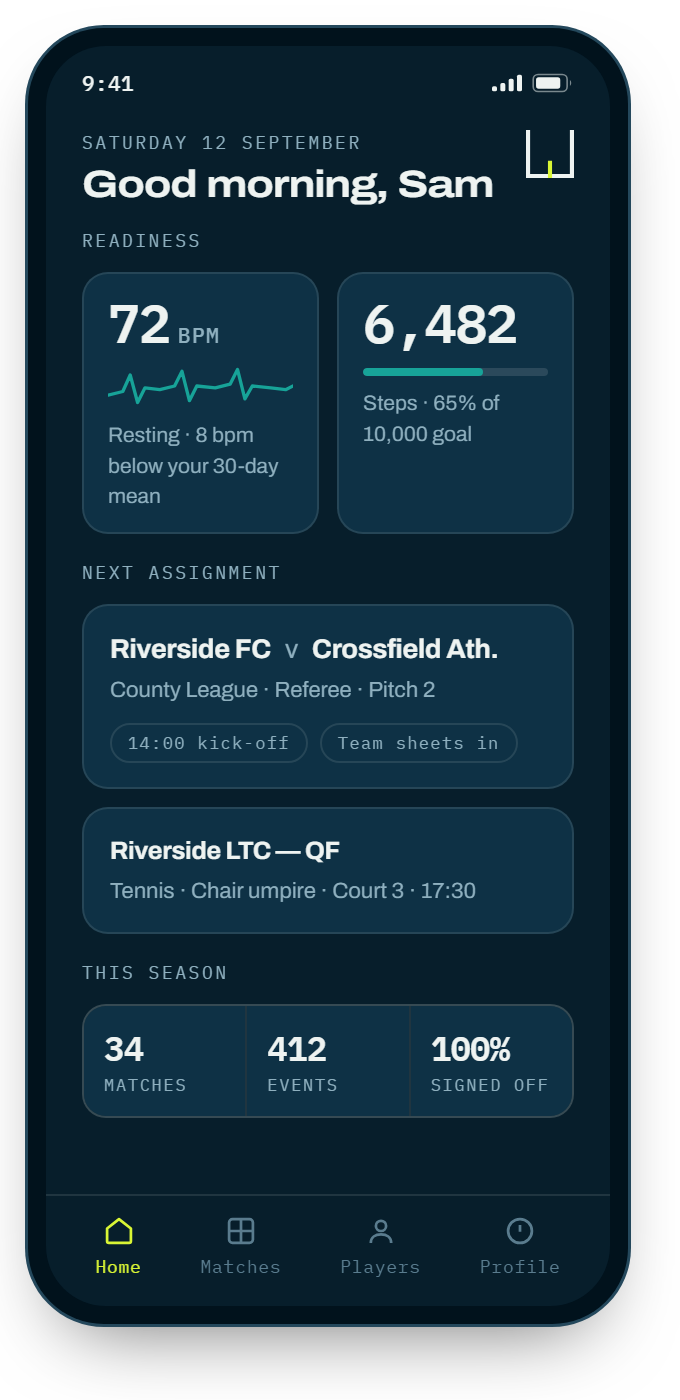
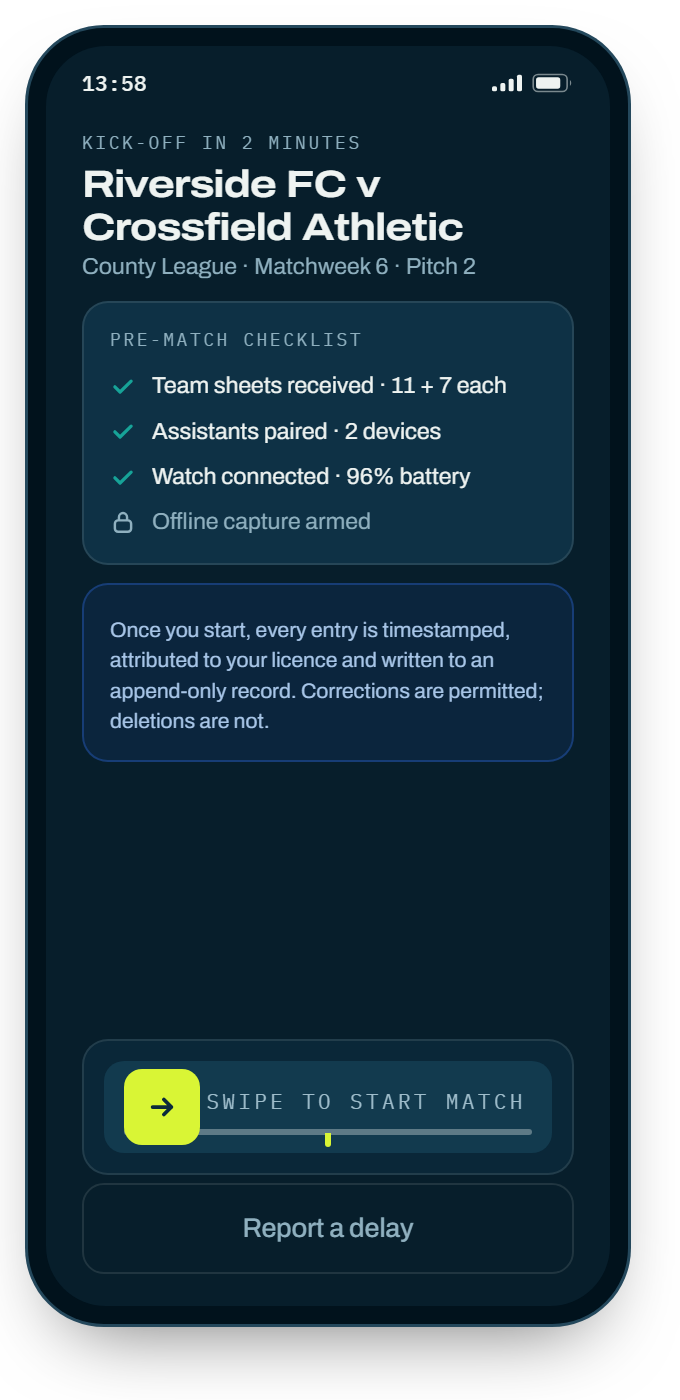
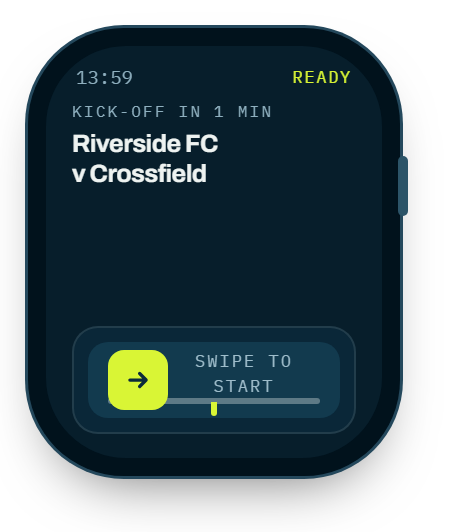
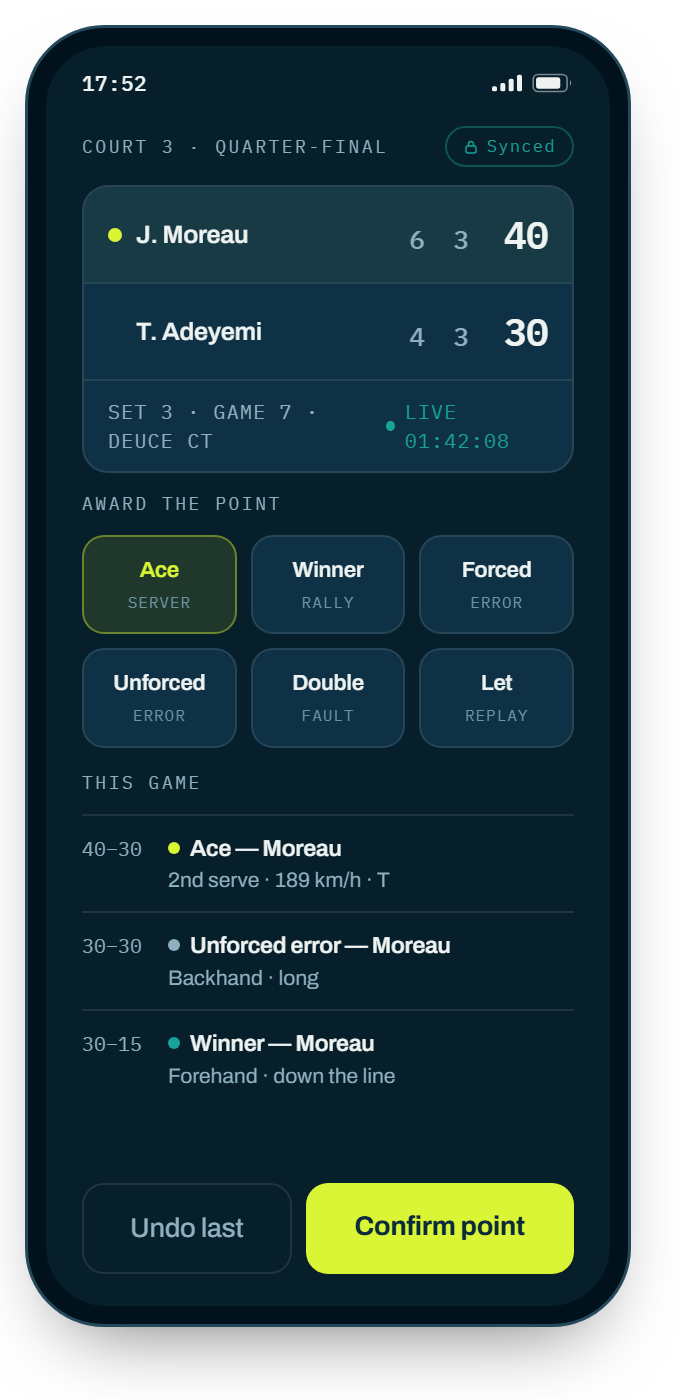
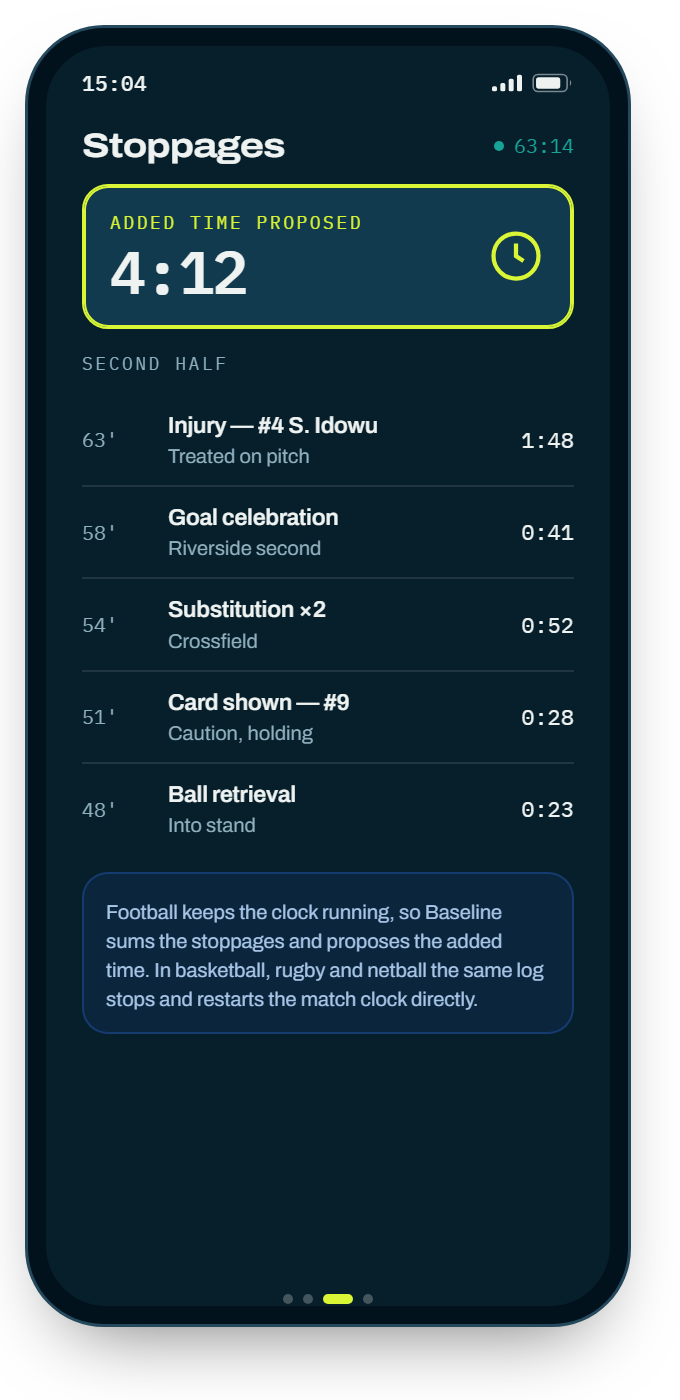
Set the fixture up on the phone in the changing room — confirm both team sheets and press Start. On the watch the fixture is already waiting; open it with a long, flat drag along the baseline at the bottom of the face.
Reference
Fourteen scoring engines. A dash means that direction is unbound in that sport — nothing happens, so you cannot record something by accident that the sport has no concept of.
| Gesture | Tennis | Padel | Volleyball · Table tennis · Badminton |
|---|---|---|---|
| ↑ Up | Point, home | Point for | Point for |
| ↓ Down | Point, away | Point against | Point against |
| ← Left | Ace | Ace | Winner |
| → Right | Double fault | Double fault | Error |
| ↖ Up-left | — | Out of court | — |
| ↗ Up-right | — | — | — |
| ↙ Down-left | — | Wall error | — |
| ↘ Down-right | Let | Let | — |
| • Tap | Second serve | Second serve | Toggle side |
| ◎ Hold | Undo | Undo | Undo |
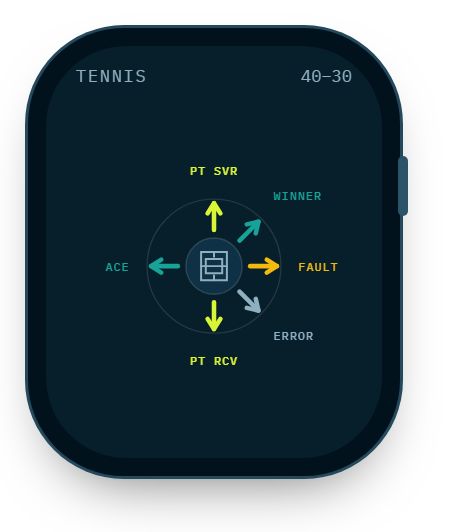
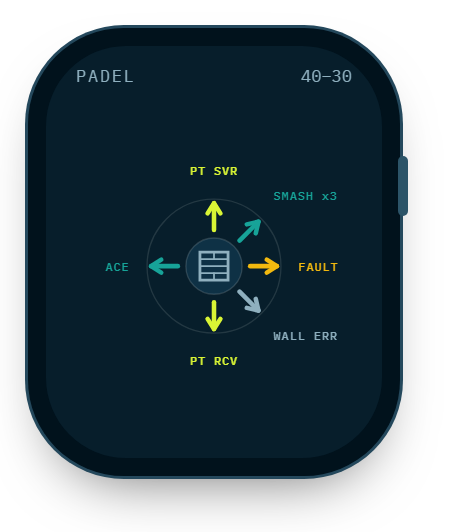
Padel is the only racquet sport using all four diagonals: the glass wall and the fence give it two events tennis has no equivalent for.
| Gesture | Football | Rugby union | Basketball | American football |
|---|---|---|---|---|
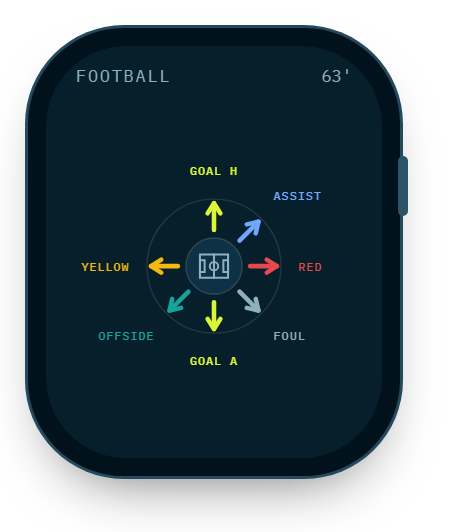
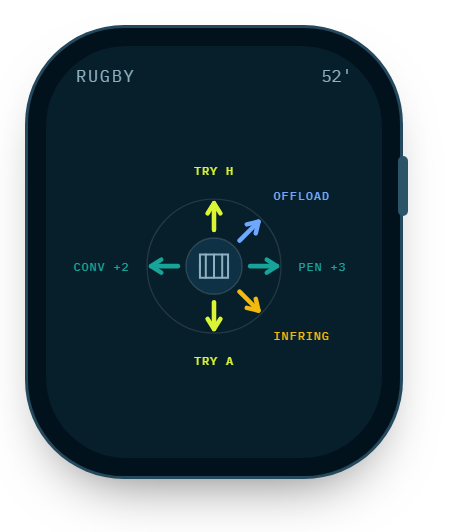
| ↑ Up | Goal for | Try | Three-pointer | Touchdown |
| ↓ Down | Goal against | Try, opponent | Three-pointer, opp. | Touchdown, opp. |
| ← Left | Assist | Penalty goal | Field goal (2PT) | Field goal |
| → Right | Foul | Penalty goal, opp. | Field goal, opp. | Field goal, opp. |
| ↖ Up-left | Substitution | Drop goal | Assist | Extra point |
| ↗ Up-right | — | Lineout won | Rebound | Two-point conversion |
| ↙ Down-left | Yellow card | Yellow card | Foul | Penalty |
| ↘ Down-right | Offside | Offside | Turnover | Offside |
| • Tap | Open players | Conversion | Free throw | Interception |
| ◎ Hold | Undo | Undo | Undo | Undo |
Three things worth knowing
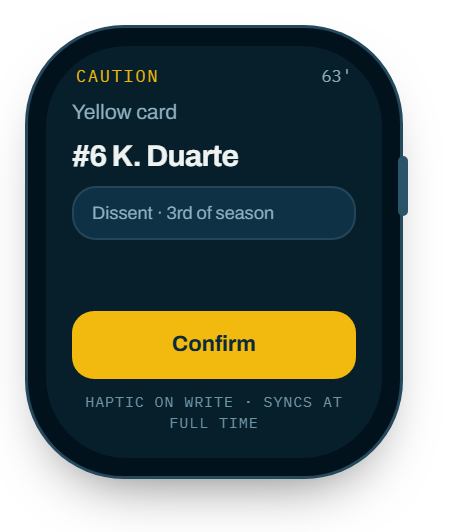
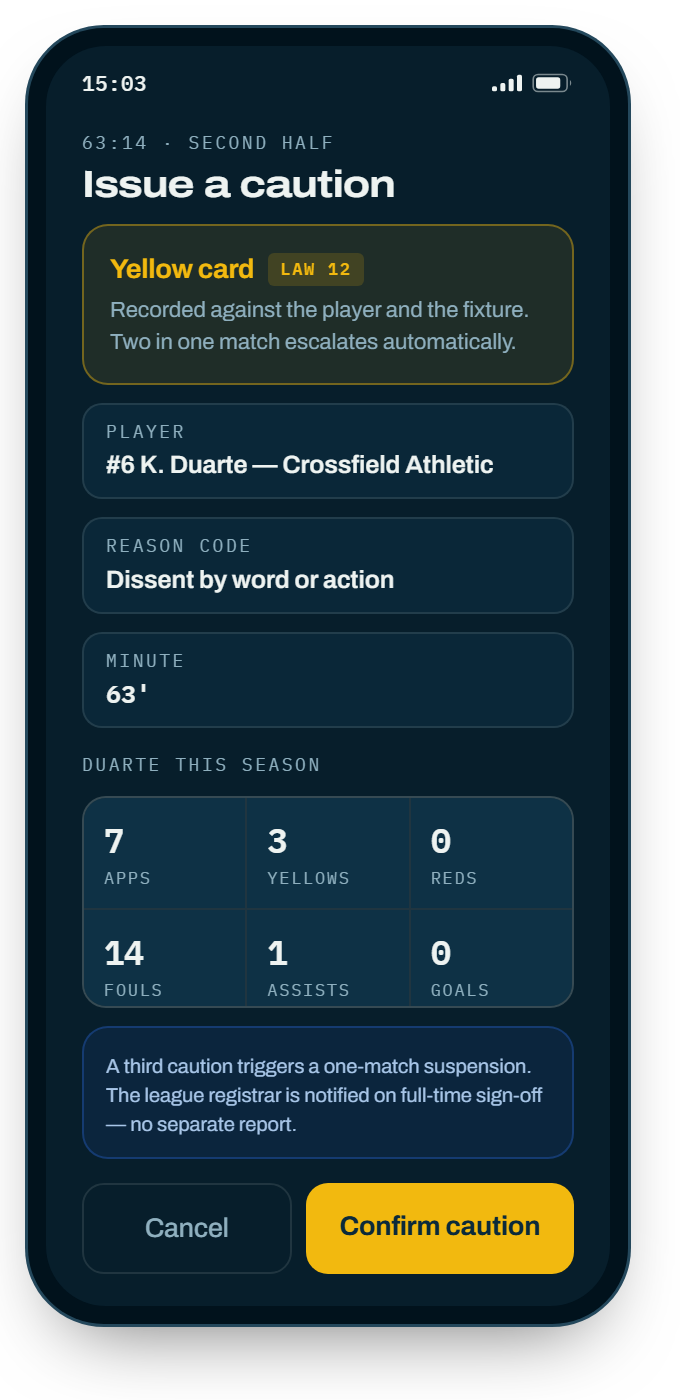
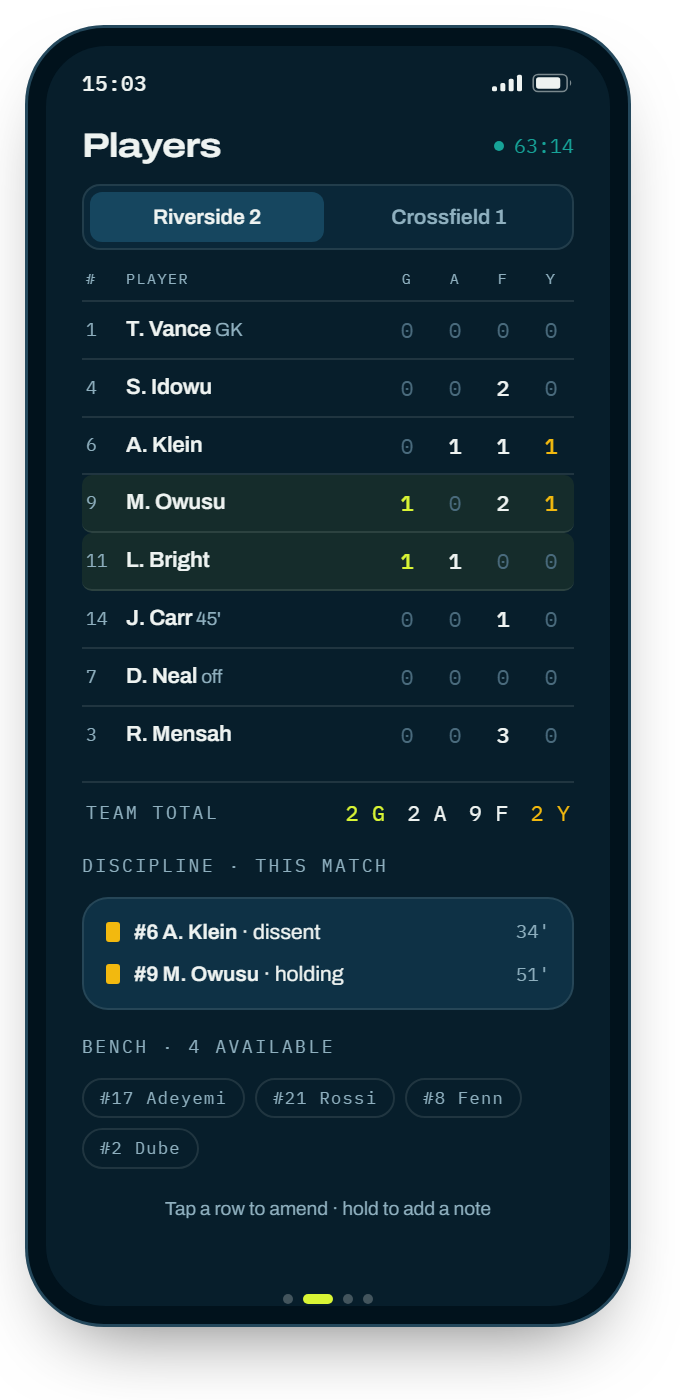
There is no red-card gesture in football. A dismissal is deliberate, never rushed, and it needs a player and a reason attached — so it is recorded on the phone rather than bound to a swipe you could make by mistake.
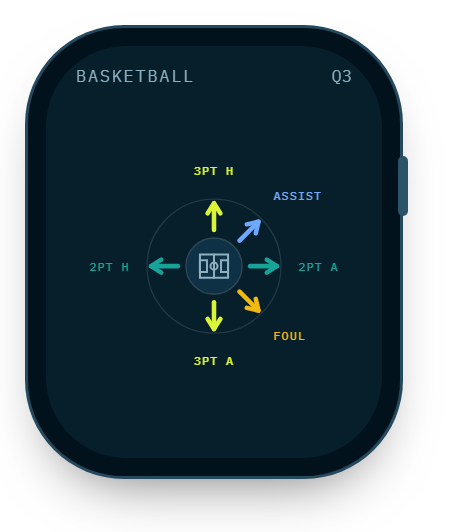
Basketball’s up is a three
Up is the three-pointer, left is the two. The three is the shot whose count is argued over, so it gets the least ambiguous direction.
Offside took the diagonal
In rugby and American football, down-right is offside — displacing the won scrum and the sack respectively. Both are far more frequent, and both stop the clock. The displaced events remain on the phone’s scoresheet.
The one individually-scored sport with a full gesture map. The match view is a leaderboard rather than a home-versus-away scoreboard, and the directions are laid out by score relative to par — better than par above the midline, worse below it.
| Gesture | Records | Relative to par |
|---|---|---|
| ↖ Up-left | Eagle | Two under |
| ↑ Up | Birdie | One under |
| ← Left | Par | Level |
| ↓ Down | Bogey | One over |
| ↘ Down-right | Double bogey | Two over |
| → Right | Stroke | Add a single shot |
| ↗ Up-right | Putt | Counted separately |
| ↙ Down-left | Penalty | Penalty stroke |
| • Tap | Next player | Move round the group |
| ◎ Hold | Undo | — |
These have no opponent and no scoreboard — a clock, an event log and counts against it. The gesture maps are deliberately sparse: binding more would be inventing work for someone who is mid-set.
| Gesture | Weight training | CrossFit | Cardio | Sauna |
|---|---|---|---|---|
| ↑ Up | Full rep | Full rep | Split / lap | Round done |
| ↓ Down | Half rep | Half rep | — | — |
| ← Left | Set done | Round | — | — |
| → Right | — | Split | — | — |
| • Tap | Open session | Open session | Open session | Open session |
| ◎ Hold | Undo | Undo | Undo | Undo |
Moving around
Recording is one gesture. Everything else — checking a tally, reading the log back — lives on pages you move between, so your thumb learns the route and your eyes stay on play.

On the phone
Swipe left and right, exactly as you would expect anywhere else.
On the watch — different, deliberately
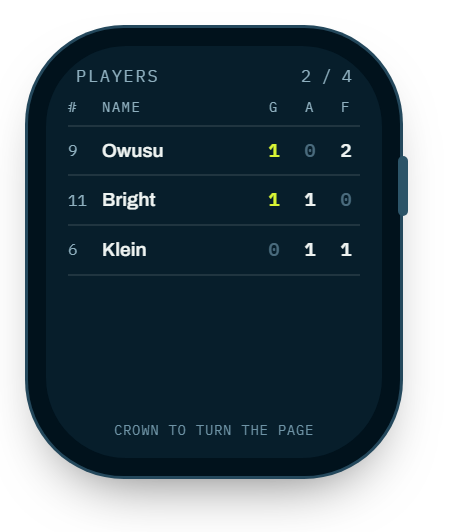
Turn the digital crown, or begin your swipe at the bezel. A swipe that starts inside the face is always scoring. A page change must never be mistakable for a goal.
Discipline and the clock
When it goes wrong
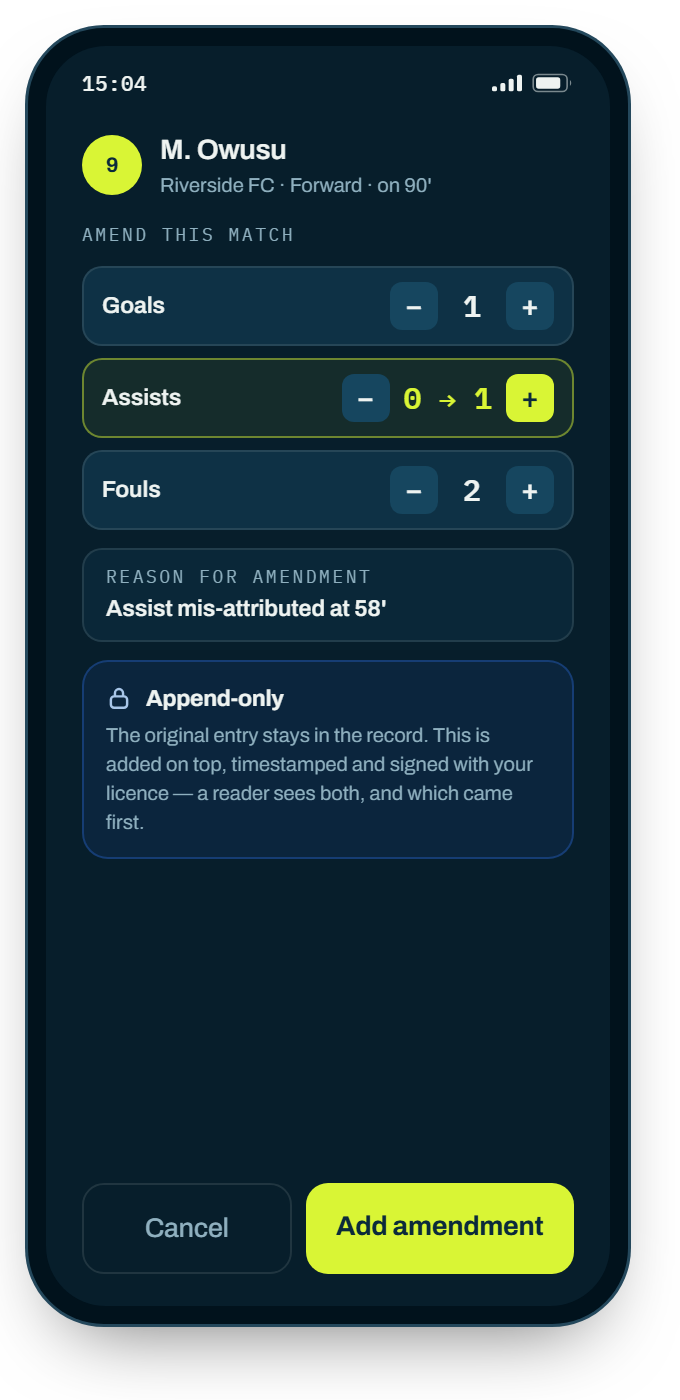
You will make one. The system is built for it — the only thing you cannot do is make a mistake disappear.
If you are not an official
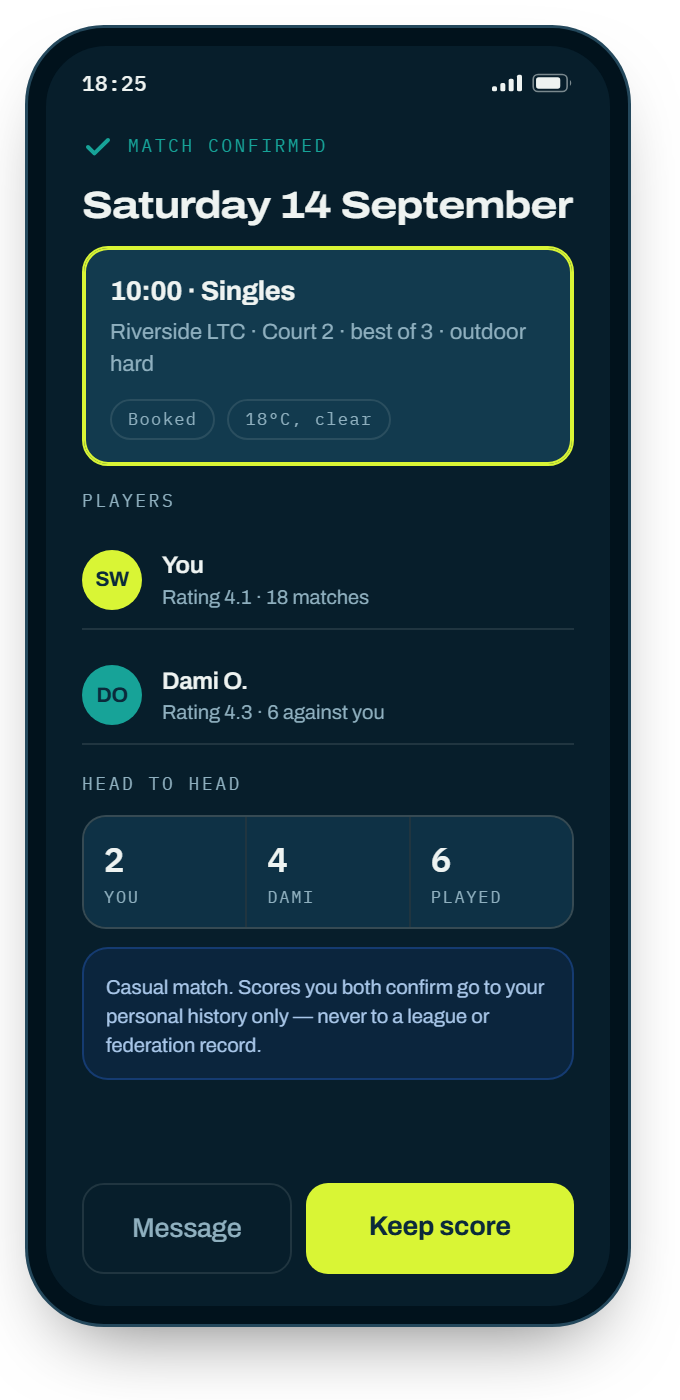
A general account needs no licence. Same scoring engines, same watch layer — it just never writes to a competitive record.